lavacli
lavacli is a command line tool to interact with one or many LAVA instances using XML-RPC.
Install
Debian
A package is provided for both Debian and Ubuntu:
apt-get install lavacli
Pypi
lavacli is also available on PyPi:
python3 -m pip install lavacli
Configure
Create a token
In order to access to restricted API methods, lavacli will need a token to authenticate.
In the web interface, go to /api/tokens/ on your LAVA server.
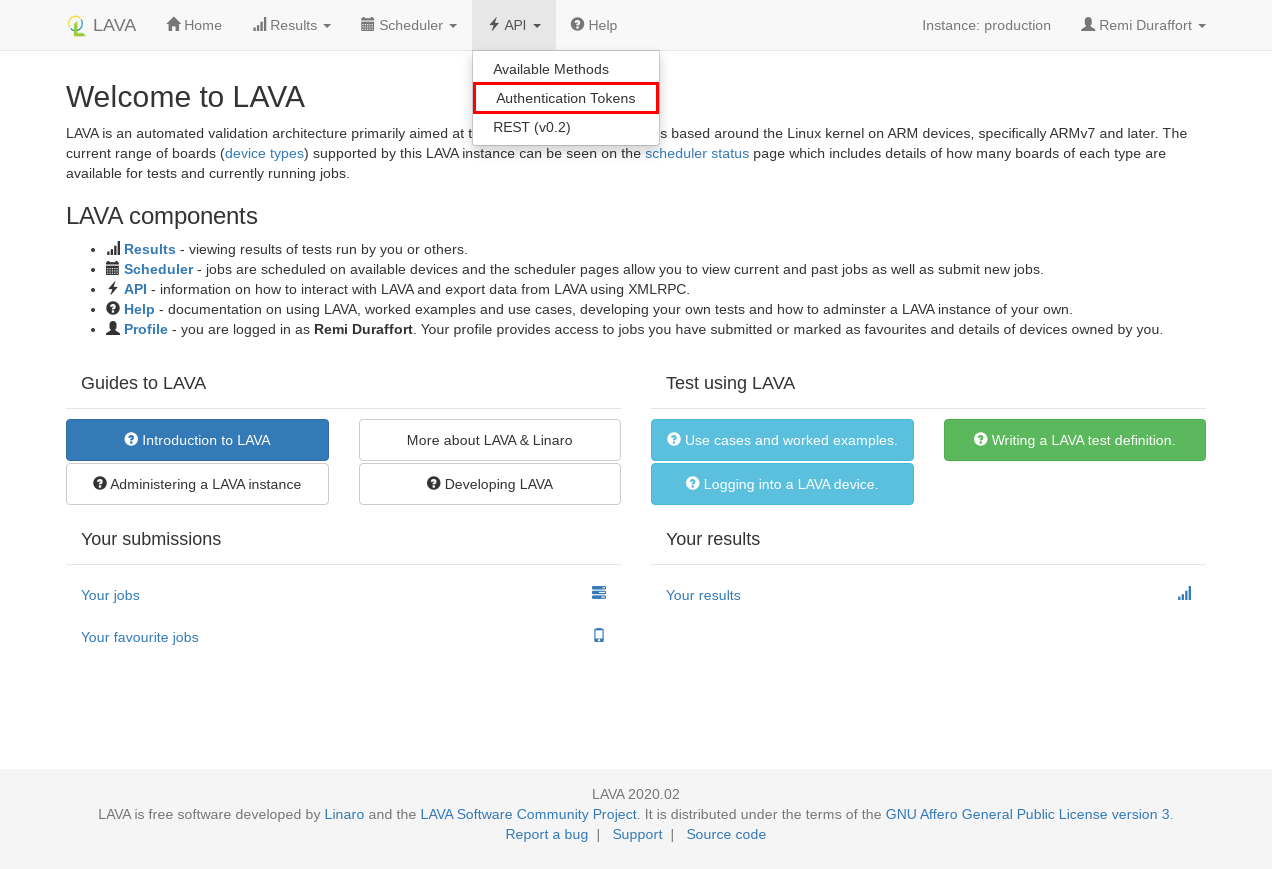
Click on new to create a token.
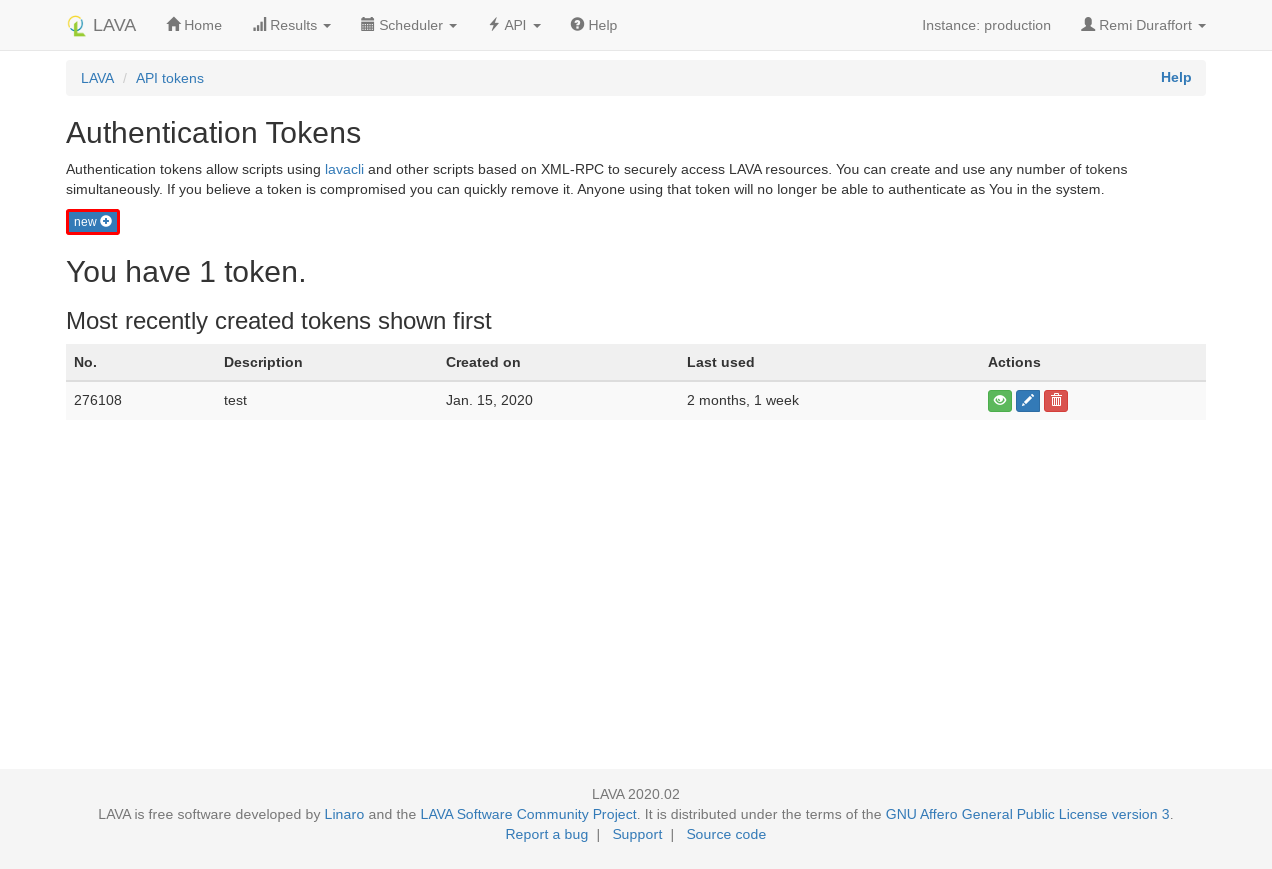
In the modal, you can add a description to the new token. This description can be left empty for the moment.
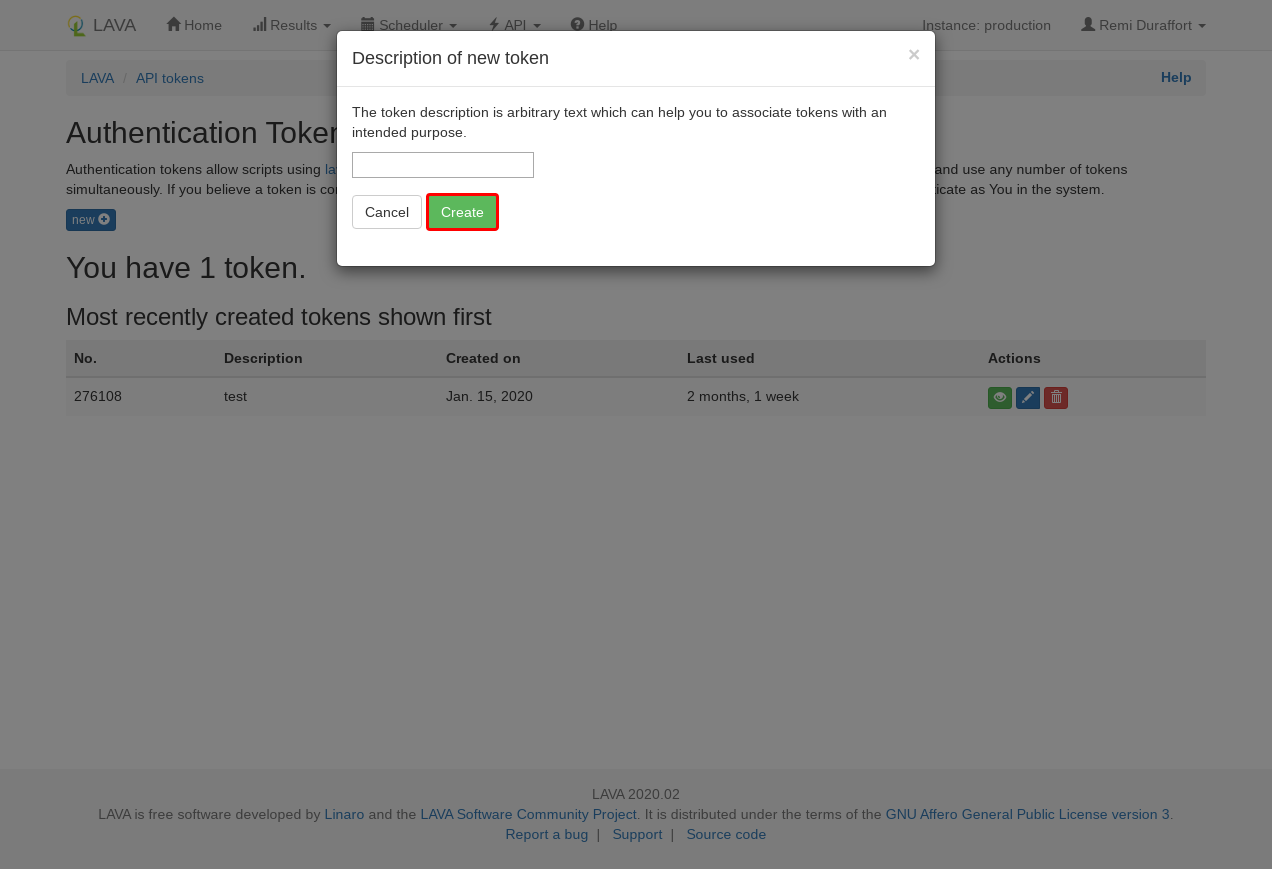
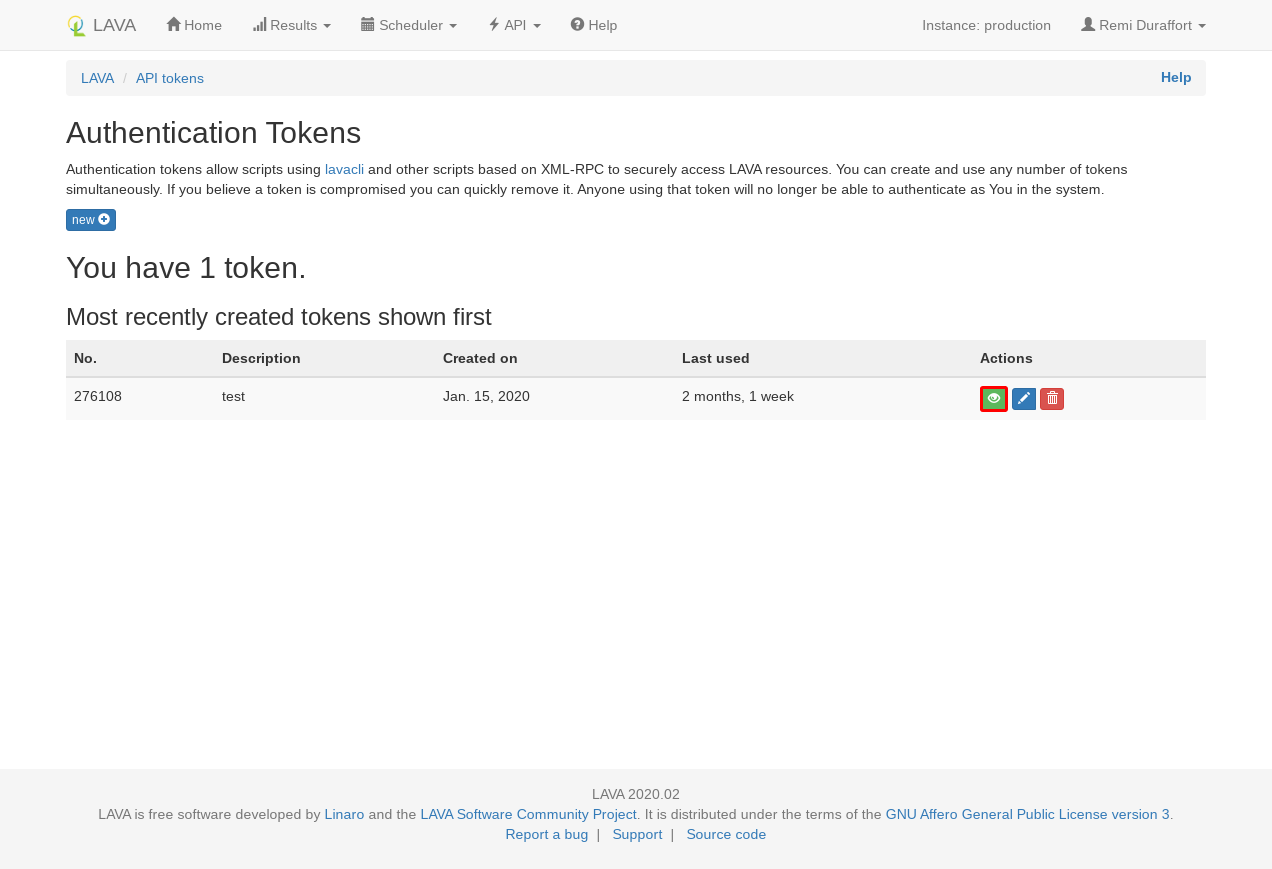
The token has been created, click on the green eye icon and copy the value shown in the modal dialog.
Create an identity
You can now add this token to lavacli identities with:
lavacli identities add --uri https://<lava-server>/RPC2/ \
                       --username <username> \
                       --token <token> \
                       myserver
Use the identity
In order to use the identity, call lavacli -i myserver <command>.
default identity
If the identity is called default lavacli will use it for every command.
lavacli -i default <command> and lavacli <command> will use the same identity.
MCP server
Since version 3.0.0, lavacli can start a Model Context Protocol (MCP) server, allowing an LLM client to interact with a LAVA instance.
Install
The MCP server requires the mcp python module, which is not installed by
default:
python3 -m pip install 'lavacli[mcp]'
Start the server
The server talks to the instance selected by --identity or --uri:
lavacli -i myserver mcp
By default, the server uses the stdio transport: the LLM client starts
lavacli itself. For example, with Claude Code:
claude mcp add lava -- lavacli -i myserver mcp
Most other clients use a JSON configuration:
{
  "mcpServers": {
    "lava": {
      "command": "lavacli",
      "args": ["-i", "myserver", "mcp"]
    }
  }
}
The server can also be started with the streamable-http transport, listening
on 127.0.0.1:8000 by default:
lavacli -i myserver mcp --transport streamable-http --host 127.0.0.1 --port 8000
No authentication
The streamable-http transport does not authenticate the clients: anyone
able to reach the port can act on the instance with the identity's token.
Keep it listening on 127.0.0.1.
Available tools
The server provides tools to:
- list and show jobs, device-types, devices and workers
- read the job queue, a job definition and its logs
- read a device-type template, its health-check and a device dictionary
- browse the results of a job: test suites, test cases and metadata
- read this documentation, at the version running on the instance
A few tools change the instance: submitting and canceling a job, setting a device-type template or a device dictionary. They are flagged as such in their MCP annotations, so that the client can ask for a confirmation before running them.
Read-only access
The tools act with the permissions of the identity's token. Use a token of a user without the matching permissions to keep the server read-only.
Example: triaging failing jobs
Once the server is configured in your LLM client, you can ask questions about the instance in plain language, for example:
Look at the jobs that failed in the last 24 hours on the lava instance. Group
them by root cause and, for each group, tell me which device-types and devices
are affected and whether it looks like an infrastructure or a test issue.
To answer, the LLM will chain the tools on its own:
jobs_listwithhealth=INCOMPLETE,since=1440andverbose=trueto get the failing jobs and their error type and messagejob_showon some of them to get the device-type and devicejob_logsto read the board output and the commands sent by LAVA around the errorjob_resultsto find which action or test case faileddocumentation_fetchwhen an error relates to a part of the job definition or of the device configuration
and answer with a summary like:
3 root causes for 17 incomplete jobs:

* [11 jobs] "bootloader-interrupt timed out" on bcm2711-rpi-4-b, all on
  rpi4-03 and rpi4-05: the serial output is empty after power on.
  Infrastructure issue: check the power control and serial connection of
  these two boards.
* [4 jobs] "Unable to fetch .../rootfs.ext4.xz: 404" on qemu: the artifact
  URL in the job definition is no longer valid. Test issue.
* [2 jobs] "lava-test-shell timed out" on juno-r2: the test
  "ltp-syscalls" hangs. Test issue: increase the timeout or fix the test.
The same approach works for other questions, such as "why did job 1234
fail?", "which devices have been failing their health-checks this week?" or
"write a job definition for a qemu arm64 boot and submit it". When a request
calls a tool that changes the instance, like job_submit, most clients ask for
your confirmation first.
Help
For more information, refer to the lavacli documentation.